Visual Tutorial
Click Play button
AutoNote™ Edit Screen
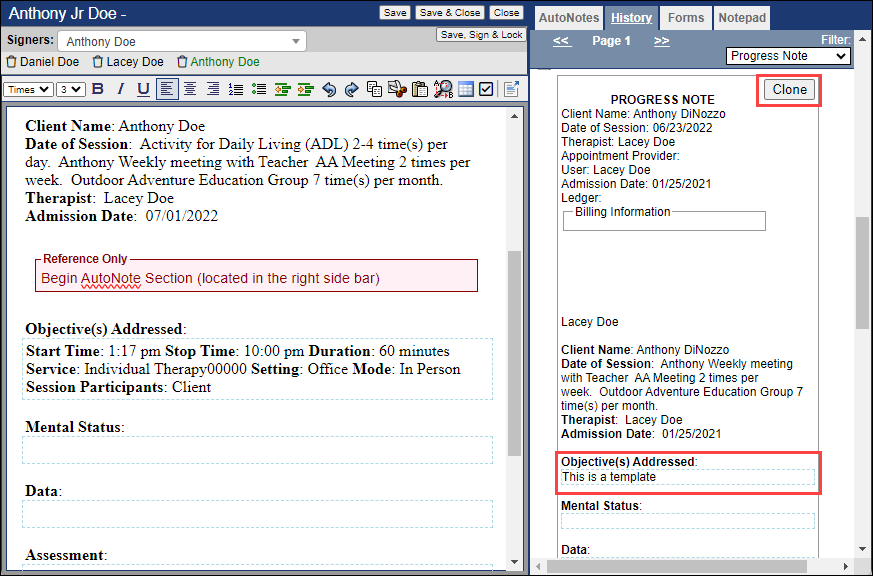
Examples of AutoNotes™ are:
- Multiple choice options [Vx]
- Text fields [Tx]
- Date (calendar)
These separate input methods are represented by the characters [Vx] and [Tx], where x represents any number 1-8. Each of these characters is inserted into the text portion of the editor at the point you want the input method to appear.
Below the text portion of the editor is the location where you would edit the properties of the input method. Each method has a place to type a title.
In the Variable section [V1-8] there is room to create 8 variables in a single AutoNote™. With each variable field there is an area to insert a title and an area to type options that need appear when someone fills this form out. In addition to these areas, the options can appear as bullets or numbered bullets by checking one of the boxes above the text fields once they are inserted into the document.

Below the variable fields is the area for editing the properties of the text input methods in your document. Here you have a space to enter a title and the option to input a date picker instead of a place to enter text.
Text:

Date Picker:

Example of all three (Variable, Text, Date Picker) in an AutoNote™ Entry:
