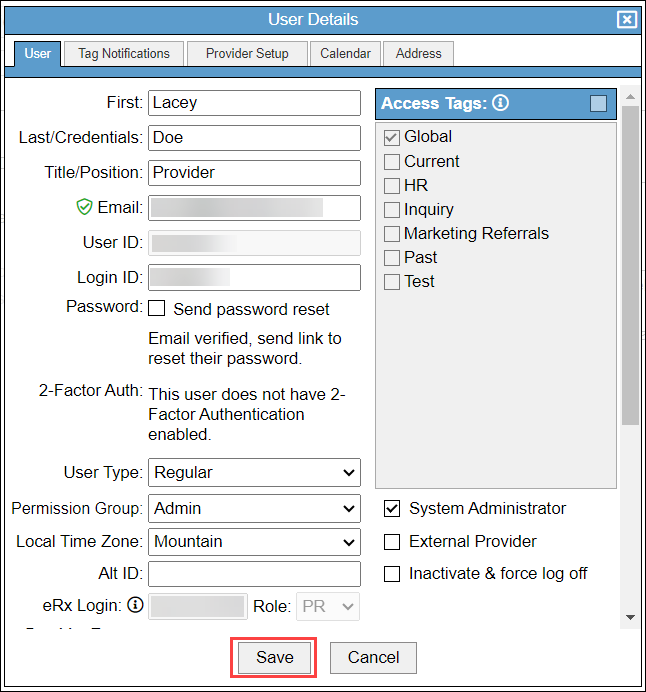
This article explains how to assign default permission groups to users in BestNotes.
Permissions Required
- Manage Users
Assigning Default Permission Groups to Users
Updating an existing user will overwrite any permissions that have previously been assigned to that user. Once you have assigned a permission group to a user, you can manually edit the permissions.
- Create a user, or navigate to an existing user.
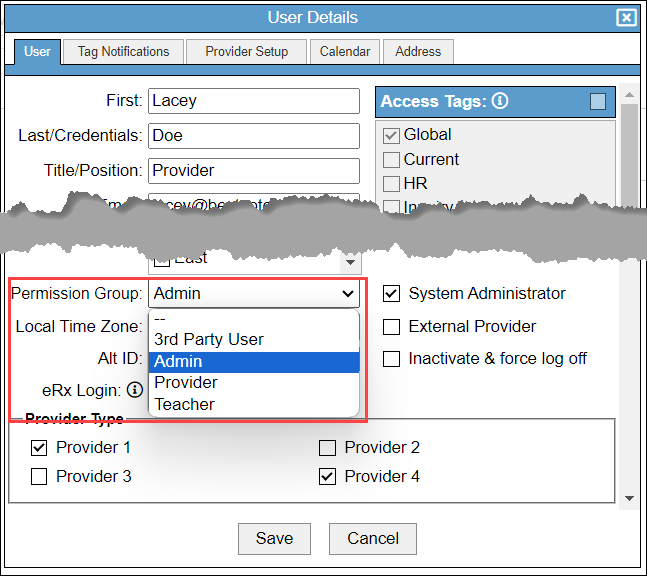
- In the "Permission Group" drop-down, select the appropriate Permission Group for the user.
- Verify the permissions given are appropriate for the role of the user, and make any adjustments necessary.
- Select "Save."