Permissions Required
- System Administrator user
- Edit Appointment Types
Managing Calendar Settings
Any adjustments made in this area will require you to log out and log back in for the updates to take affect.
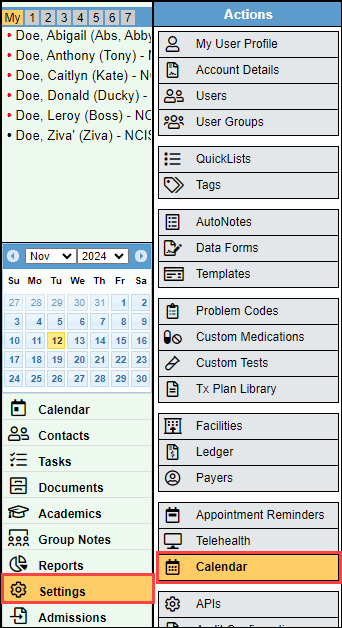
- Select "Settings" and select "Calendar."
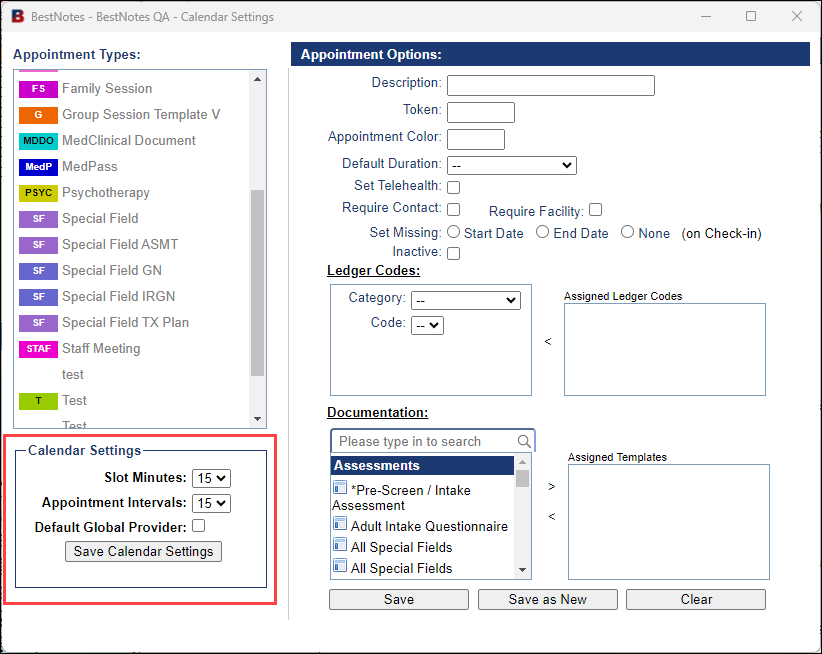
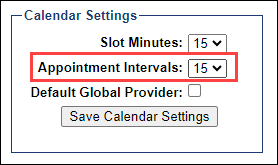
- This will open the Appointment Types window. In the bottom left corner you will see a section labeled "Calendar Settings."
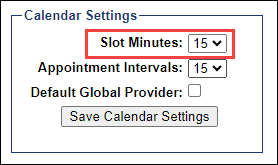
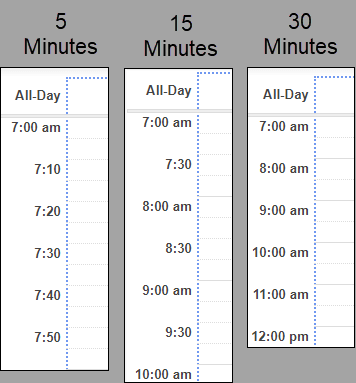
- The "Slot Minutes" will define the time increments that you will see in your calendar.
- This interval options will range from 5 minutes to 60 minutes.
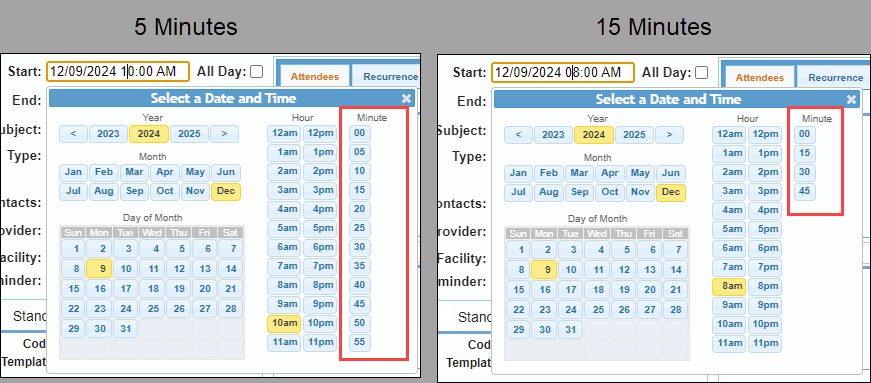
- The "Appointment Interval" will define the minute intervals that an appointment can be set for.
- This will display when adjusting the time of the appointment from the appointment window, and can be set at 5, 10, 15, or 20.
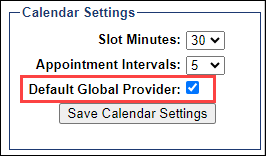
- Selecting the "Default Global Provider" checkbox will set the provider for all appointments to "Global" instead of defaulting to the user that created the appointment.