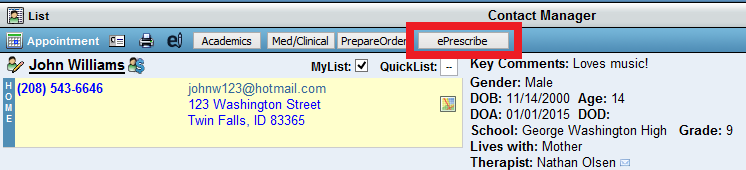
This article explains how Safari's pop-up blocker functions and how it may impact BestNotes features like ePrescribe, as Safari only allows the pop-up blocker to be either on or off without specific site exceptions.
Permissions Required
No specific BestNotes permissions are required.
Configuring Safari Pop-up Blocker
- Understand that Safari's Pop-Up Blocker can only be toggled on or off globally for all websites.
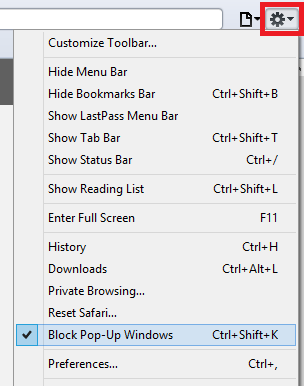
NOTE: If the Pop-Up Blocker is left off, Safari may allow unwanted Pop-Up Windows from other websites.
- After adjusting your Safari pop-up blocker settings, test the BestNotes ePrescribe button to ensure pop-ups are functioning as expected.