This article explains how to refresh Med/Clinical Assessments and Documentation after overwriting client information during the Admissions process to ensure all application data is pulled in.
Permissions Required
No specific BestNotes permissions are required.
Refreshing Med/Clinical Assessments After Admission
- During Admissions, when you Overwrite an existing client or a client that has information in their Med/Clinical window, the Med/Clinical Assessments or Documentation will need to be refreshed in order to pull in the application information.
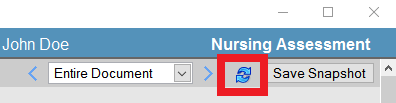
- Click OK to pull in the application information.
