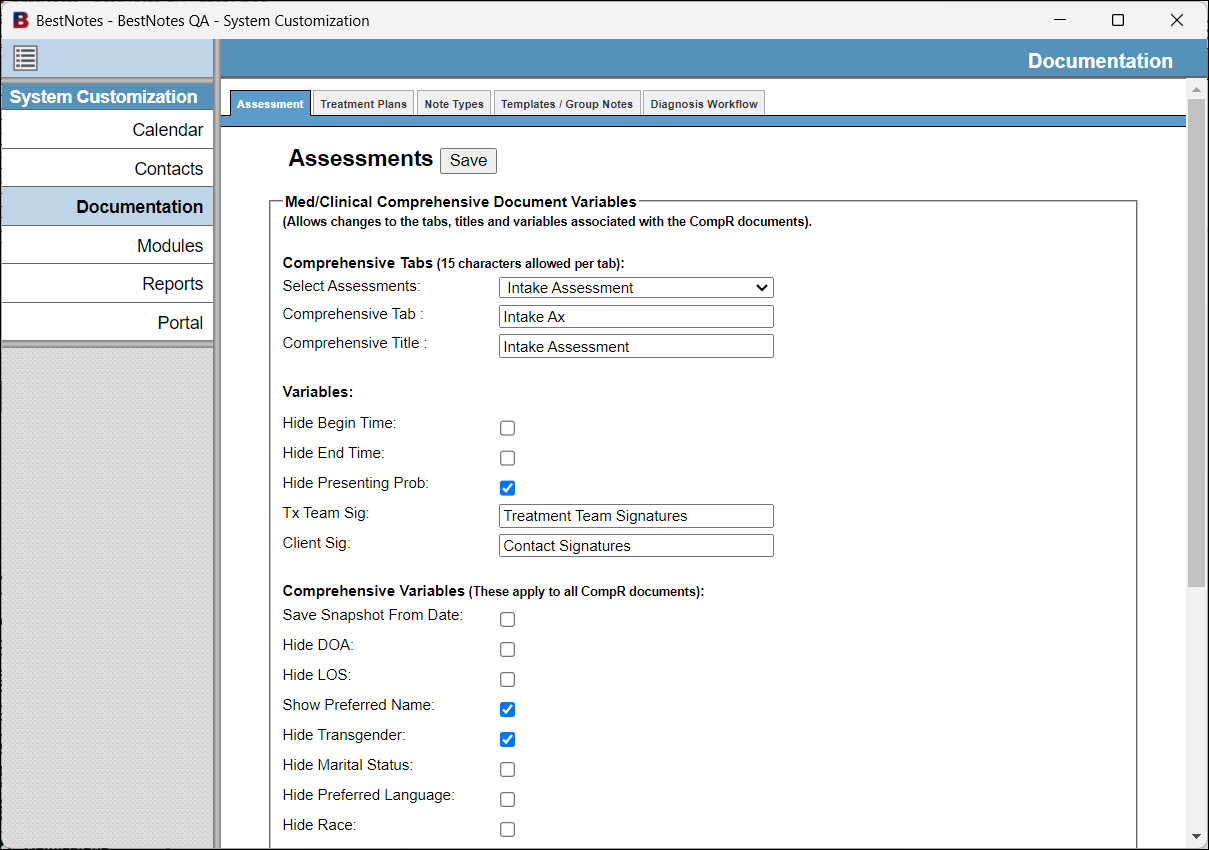
The system customization tool allows you to further customize specific areas of BestNotes, including Calendar, Contacts, Documentation, Modules, and Reports.
Permissions Required
- System Administrator
- Manage System Customization
Accessing the System Customization Tool
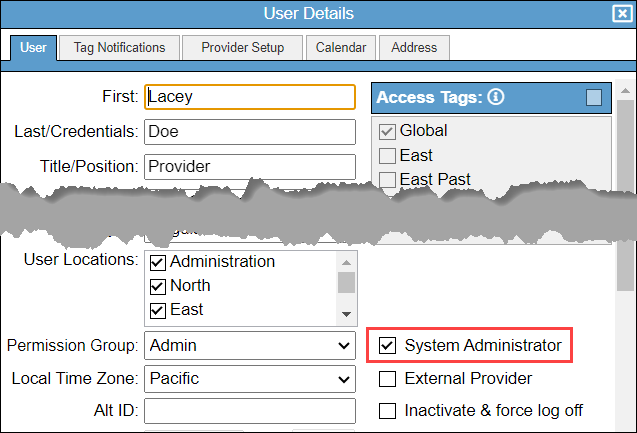
- To access the "System Customization" module, you will need to have the appropriate permissions. Ensure you have the "System Administrator" checkbox enabled.
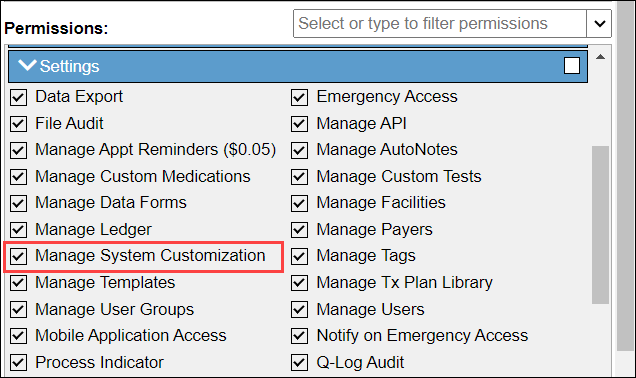
- You must also have the "Manage System Customization" permission.
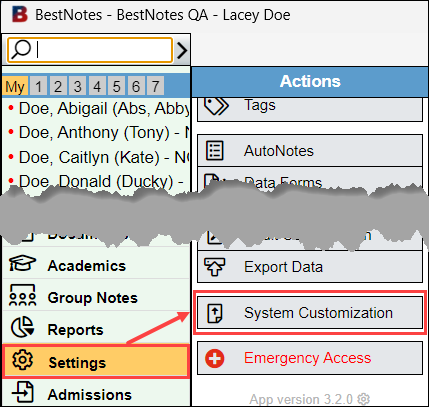
- Once you have the appropriate permissions, navigate to "Settings" and then "System Customization."
- A new window will open displaying your System Customization options.