Permissions Required
No specific BestNotes permissions are required.Accessing Clinical Profile Documents
To view the documents:
- Download the attached file.
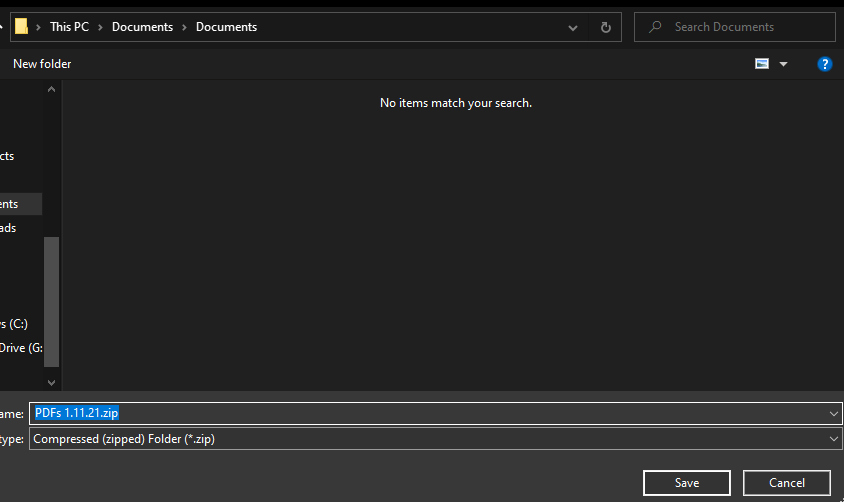
- Select the location you want to save the file to.
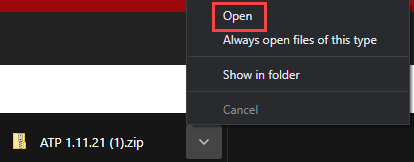
- Open the file.
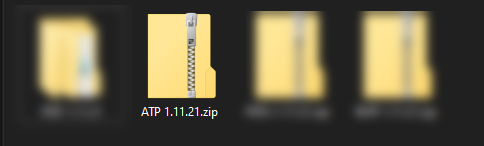
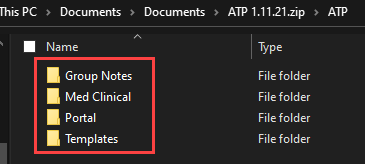
- You can then double-click to enter the file, and double-click once more to open the "ATP" folder.
- Each folder will have all the documentation that is included with the Profile.
If you have any additional questions, you can call (866) 543-6646, or submit a support ticket.
Back to top of page