DrFirst now offers a second template option for users in Florida, providing flexibility in prescription printing.
Permissions Required
- Administrative user access
Configuring DrFirst Prescription Printing Templates (FL)
- DrFirst provides two prescription print templates for Florida users:
- FLFOP.05.2021: Quarter page (legacy template)
- FLFOPFULLPAGE.05.2021: Full page (new template)
- Administrative users can define which of these print templates each Florida location will use.
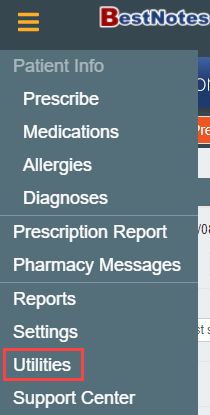
- Navigate to the "Utilities" area.
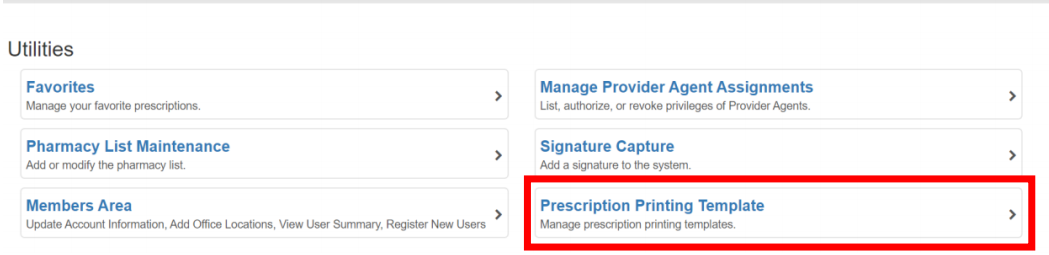
- Within "Utilities," locate and select the "Prescription Printing Template" option.
- From the dropdown menu for each Florida location, specify the desired prescription template.
