This article explains how to log in to BestNotes using 2-Factor Authentication after it has been enabled.
Permissions Required
No specific BestNotes permissions are required.
Logging In with 2-Factor Authentication
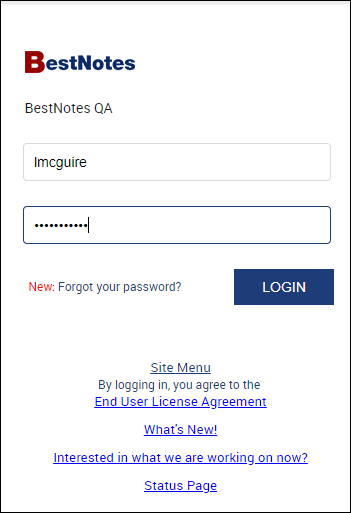
- Login using your username and password.
- You will then enter the code from your 2-Factor Authentication app. If you select "Remember this device for 30 days" you won't have to re-enter an authentication code on that device for 30 days.

- Select "Submit."

If you have the BestNotes desktop application downloaded on the same device more than once, you will have to enter the authentication code for your login for each desktop application.
Next Steps
- Enable 2-Factor Authentication
- Disable 2-Factor Authentication
- 2-Factor Authentication FAQs
- 2-Factor Authentication for Administrative users