This article explains how to manage documents that can be shared to the BestNotes portal by adding them to or removing them from an exceptions list.
Permissions Required
No specific BestNotes permissions are required.
Managing Portal Document Exceptions
Add document to the exceptions list
In order to restrict a document you need to affirm that it meets the exemption requirements as required by the 21st Century Cures Act.
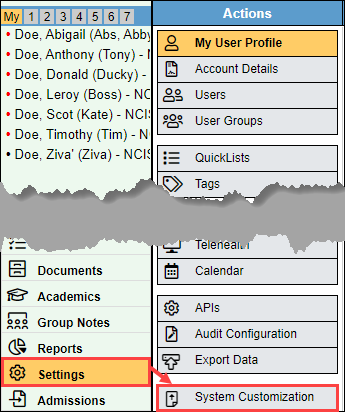
- Navigate to "Settings" and then "System Customization."
- Select the "Portal" option.

- In the Document Exceptions area, select the drop-down for "Select Document Type." You can find more information regarding Information Blocking and exceptions by selecting the information icon above the drop-down.
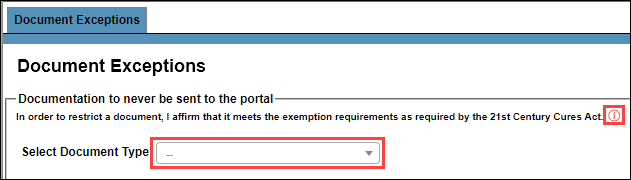
- You can search for the document you are looking for, or you can scroll through the list. This list includes all Text Notes, Templates, Group Notes, Treatment Plans, and Assessments. Any documents that are grayed out have already been added to the list of exceptions.

- Once you have selected your document, you will need to confirm that this exemption meets the requirements of the 21st Century Cures Act.
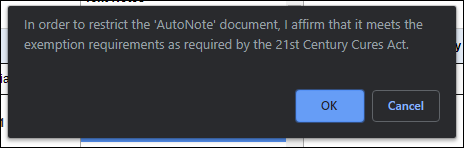
- Your document has now been saved to the exceptions list and will not have the option to be sent to the portal.

Remove document from the exceptions list
To remove a document from the exceptions list and allow that document to be shared to the portal, select the trash can icon in the "remove" column.

Exceptions History
The Exceptions History will show you which documents have been removed from the exceptions list. This will include information including the Document title, when it was added, who added it, when it was removed, and who removed it.

Next Steps
- See also: System Customization Tool
- See also: Information blocking and BestNotes