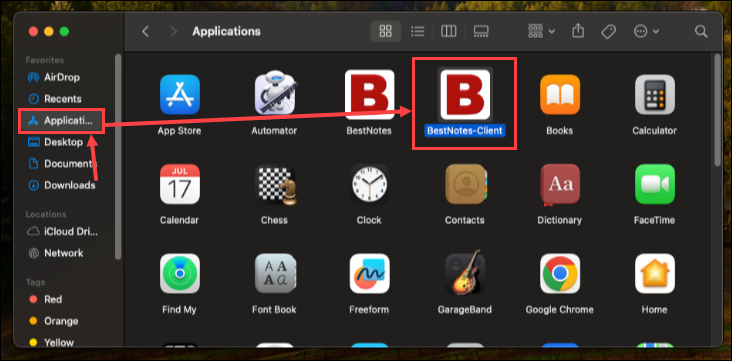
Running the BestNotes Application from inside the macOS downloads folder can cause problems printing from BestNotes. This article provides steps to resolve printing issues in macOS by moving the BestNotes application to the Applications folder.
Permissions Required
No specific BestNotes permissions are required.
Resolving Printing Issues in macOS
- Close the BestNotes application.
- Open the "Finder" application.
- Navigate to your "Downloads" folder.
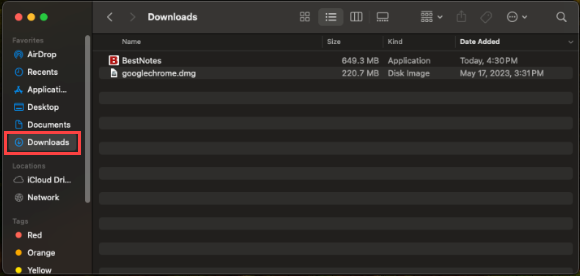
- Move BestNotes from your "Downloads" folder into your "Applications" folder.