This article explains how to transfer a student between sections for the same class or withdraw a student from a class in BestNotes. It's important to note that withdrawing a student will delete all associated assignments.
Permissions Required
No specific BestNotes permissions are required.
Transferring or Withdrawing a Student
Transfer a Student
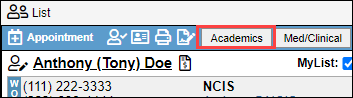
- Navigate to the students chart, and select the "Academics" button.
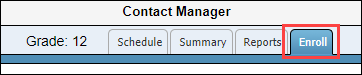
- Select the "Enroll" tab.

- Next to the class they are transferring from select the "Details" button.

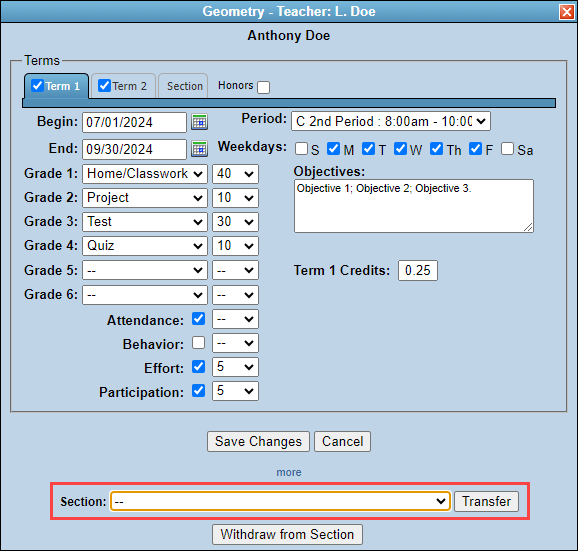
- Select "more" at the bottom of the window.

- Select the section the student is moving to, then select "Transfer."
Withdraw a Student
- Navigate to the students chart, and select the "Academics" button.

- Select the "Enroll" tab.
- Next to the class they are withdrawing from, select the "Details" button.

- Select "Withdraw from Section."
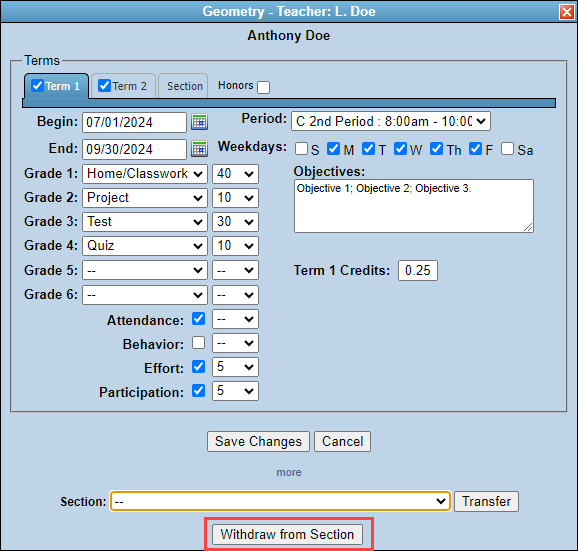
- You will receive a confirmation alert. This alert states, "WITHDRAW student from section? ALL existing grades for this class will be deleted!" If you are okay with all existing grades being deleted, select "OK."
