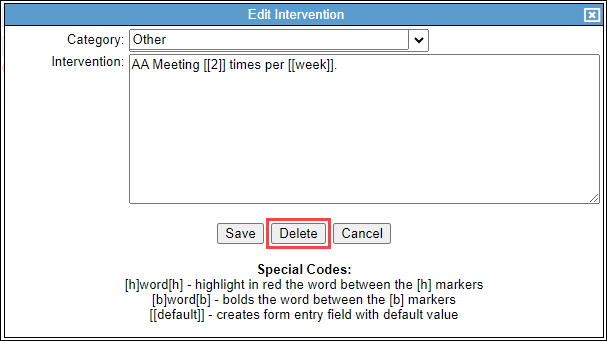
You can add and manage interventions.
Permissions Required
- Manage Tx Plan Library
Managing Interventions
Navigate to Treatment Plan Library
- Navigate to "Settings" and "Tx Plan Library."
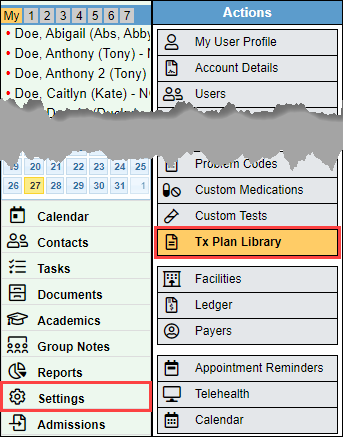
- This will bring you to the main window for the Treatment Plan Library.
Manage Interventions
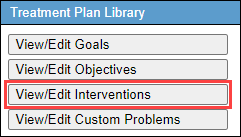
- Select the "View/Edit Interventions" button.
Create New Intervention
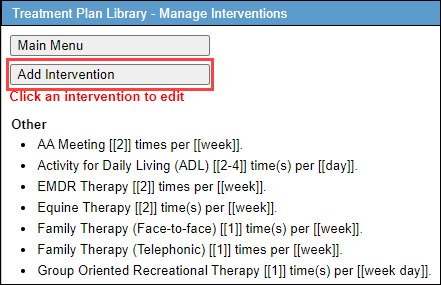
- Select "Add Intervention" to create a new intervention.
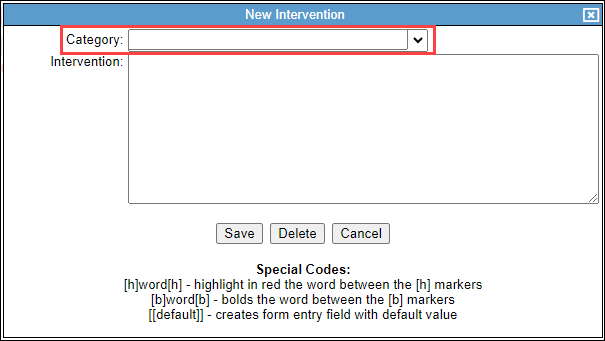
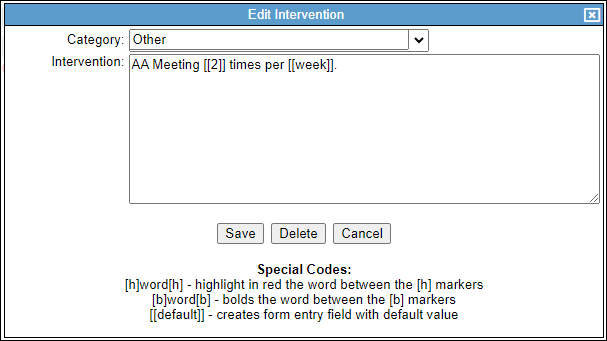
- Select the "Category" if applicable.
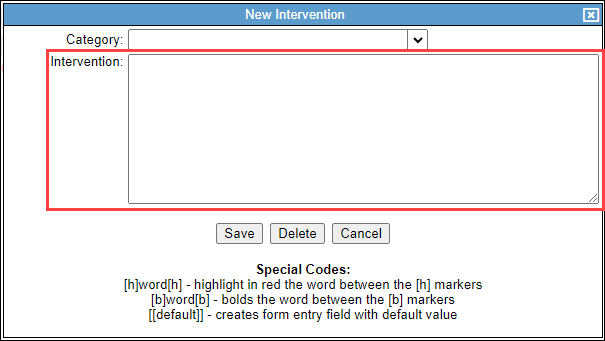
- Enter in the new intervention in the "Intervention" text area.
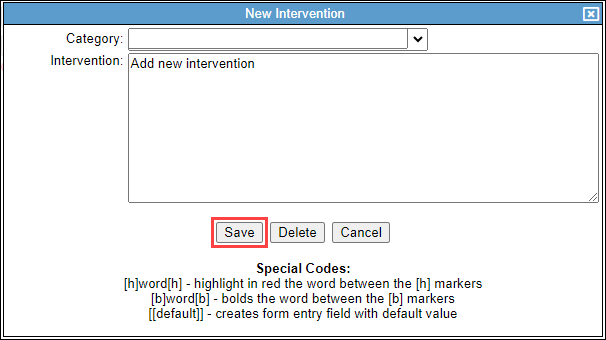
- Select "Save."
Update Existing Intervention
- To edit an existing intervention, select the intervention you would like to edit.
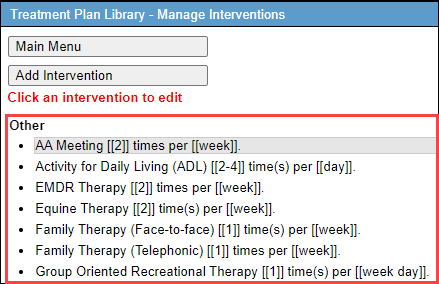
- Make any necessary adjustments.
- Select "Save."
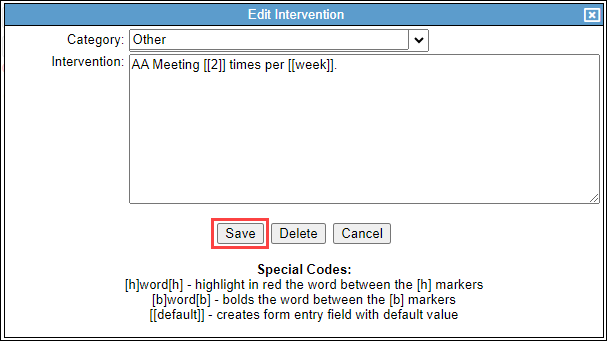
- Select "Delete" to delete the intervention.