This article explains how to append information to a locked document in BestNotes when revisions are needed and signatures cannot be removed.
Permissions Required
No specific BestNotes permissions are required.
Appending to a Document
- If a note is locked, but needs revision and signatures cannot be removed, click on the Append button (Found on the blue bar in the pop-up window). This will allow the user to append information to the bottom of the document with any necessary changes.

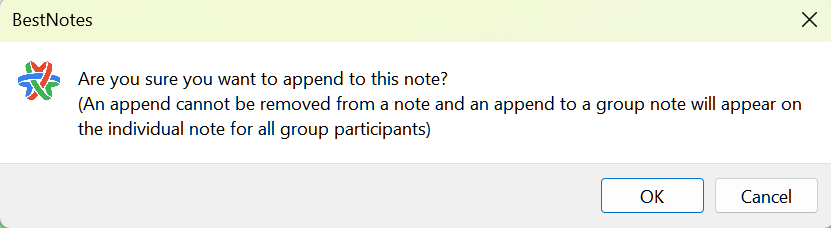
- Please note that once added, an append cannot be removed. Appended notes will appear to all individual participants of a group note.