This article provides instructions on how to unlock and delete a group note in BestNotes.
Permissions Required
- File Audit
Unlocking and Deleting Group Notes
Navigation for Permissions Context
- Settings
- User Details
- Under Settings
To Unlock a Group Note
- Click on Group Notes.
- Click on the History tab.
- Click on the note you would like to unlock.
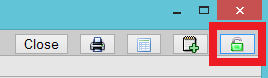
- In the upper right-hand corner, there is a green lock.
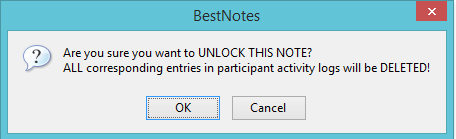
- A window will open to confirm removing all participants' Activity Logs linked to this Note (Extra NOTE: The contents of the note are not deleted, but signatures are removed).
To Delete a Group Note
- Once it is unlocked, it will be on the Sessions tab.
- Click on the Sessions tab and open the note you want to delete.
- Click the Trash Can icon in the top right corner of the Group Note.