Sometimes BestNotes does not save appointments correctly and sends an appointment to 1969. This article provides steps to find and correct these appointments.
Permissions Required
No specific BestNotes permissions are required.
Finding and Correcting 1969 Appointments
- Click on the Date at the top.
- Click on an arrow to navigate the calendar.
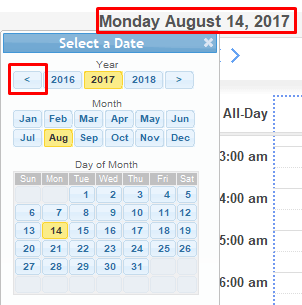
- Select 1969 from the year selection.
- Click "Dec" for December and then "31" for the 31st day.
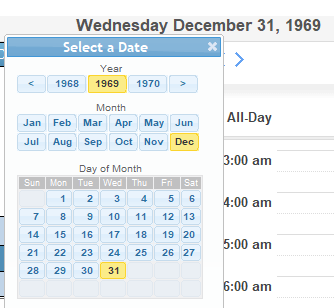
- Find the appointments by displaying user calendars.
Once found, you can delete these appointments or change their date to the correct one.
Back to top of page