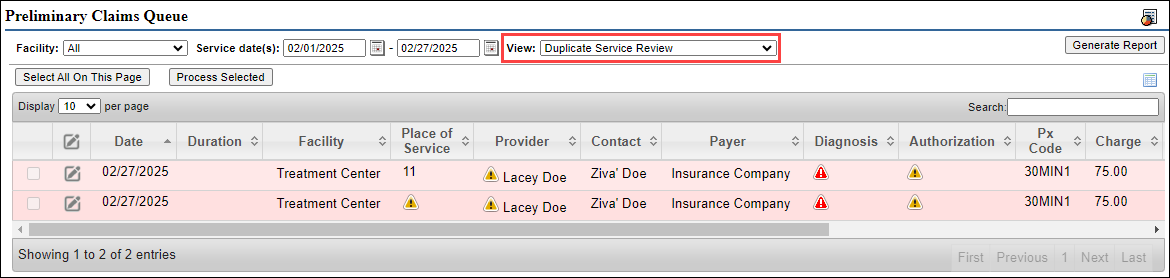
This article explains how to access and utilize the Preliminary Claims Queue, which displays entries related to the CMS-1500 (HCFA) form.
Permissions Required
No specific BestNotes permissions are required.
Managing Preliminary Claims Queue
Accessing Preliminary Claims
- Navigate to the "Claims Manager" by selecting the icon in the top right corner.

- Select "Reports."

- You are now in the Preliminary Claims Queue.

- Select the appropriate "Facility" and "Service Dates."

- Select the "View" drop-down to specify the type of claims you would like to review. Each claim type will be outlined below.

- Then select "Generate Report" to view the entries.

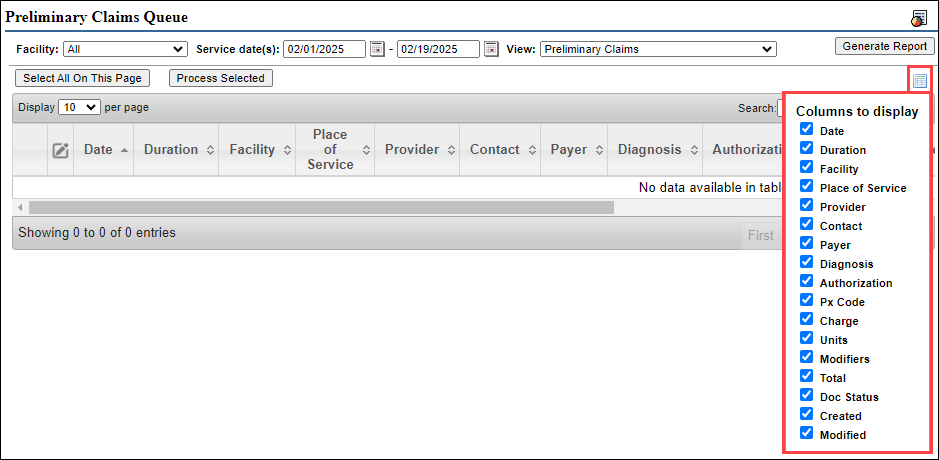
- You can also select the "Filter" option to choose which columns display.
Cash Only Review
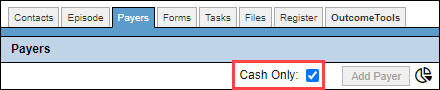
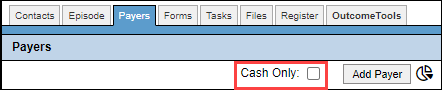
If the client that the charges were assigned to has "Cash Only" selected, depending on whether they have a payer or not, their charges will appear in one of the "Cash Only Review" categories.
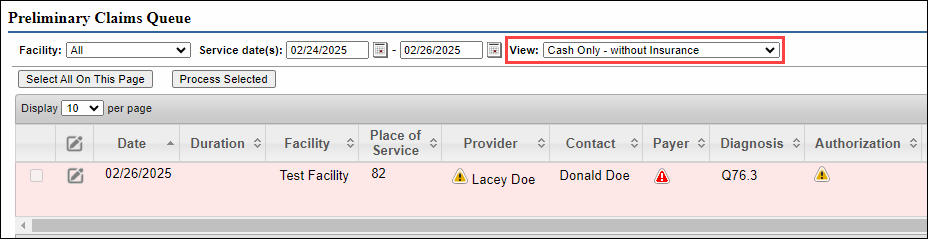
Cash Only - without Insurance
The client has "Cash Only" selected, and doesn't have a payer documented at the time the report is generated.
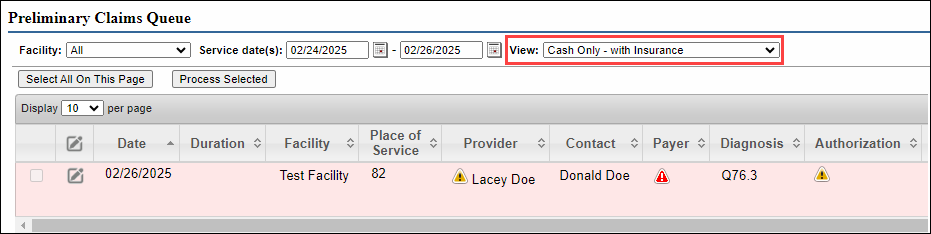
Cash Only - with Insurance
The client has "Cash Only" selected when the service is rendered, and has a payer documented at the time the report is generated.
Insurance Review
If the client that the charges were assigned to does not have "Cash Only" selected, depending on whether they have a payer or not, their charges will appear in one of the "Patient Responsible" categories.
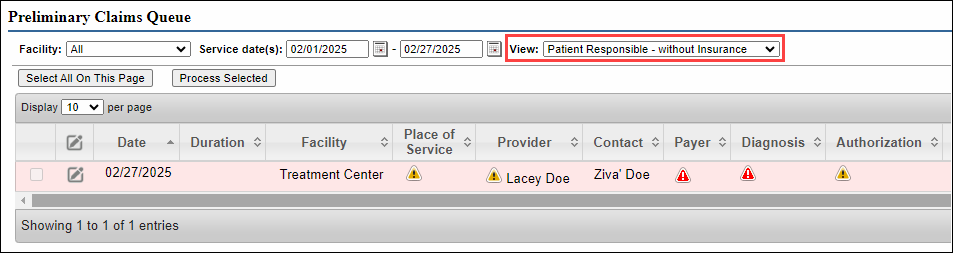
Patient Responsible - without Insurance
The client does not have "Cash Only" selected, and does not have a payer documented at the time the report is generated.
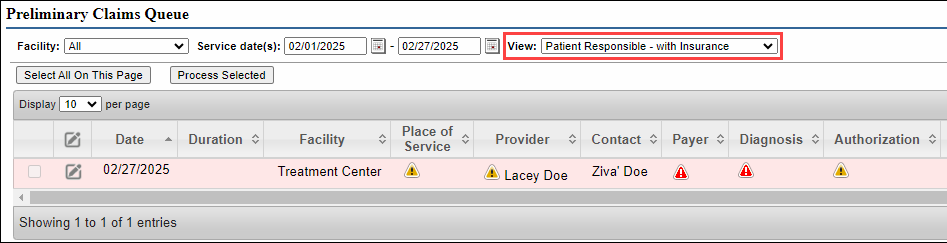
Patient Responsible - with Insurance
The client does not have "Cash Only" selected and doesn't have a payer at the time of the service, but has a payer documented at the time the report is generated.
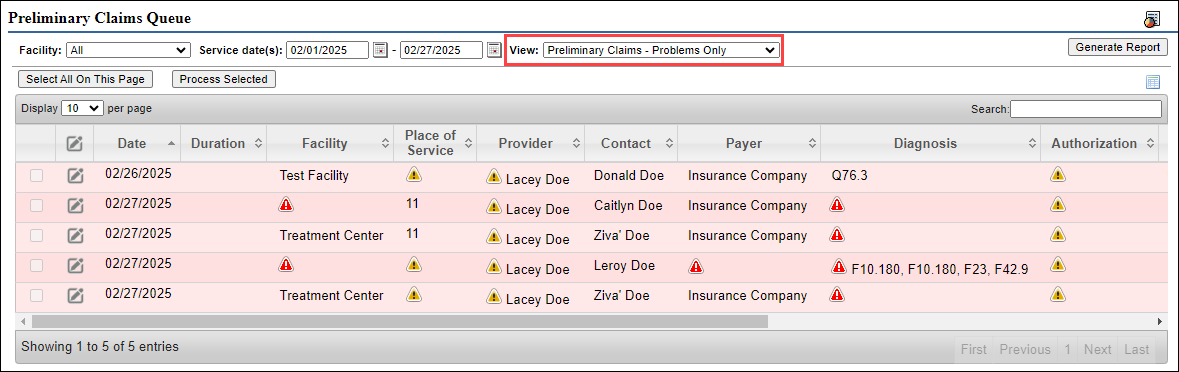
Preliminary Claims - Problems Only
This report will show any entries that may be missing important information.
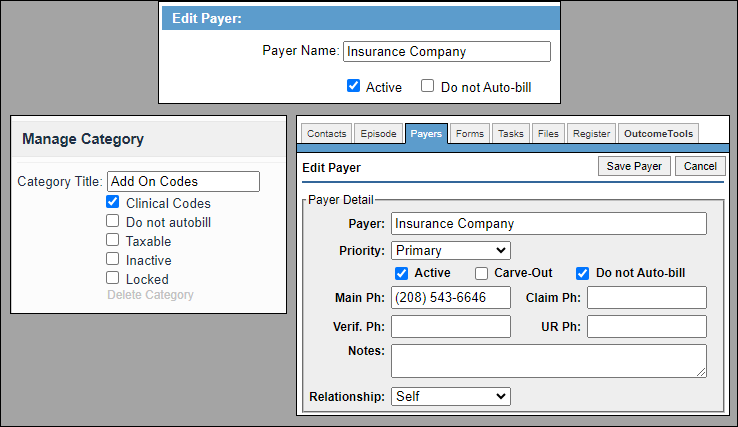
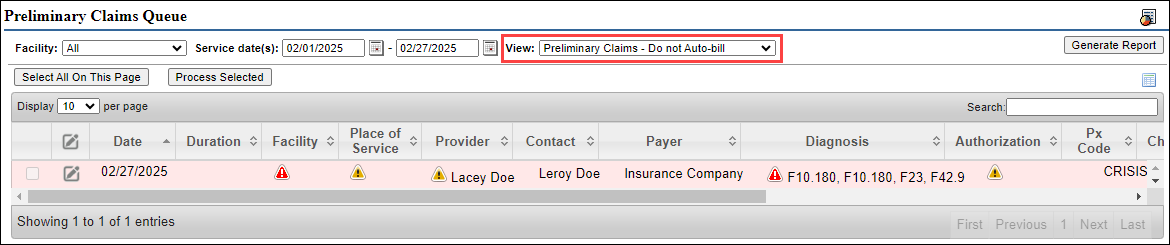
Preliminary Claims - Do not Auto-bill
This report will show any entries that have the "Do not Auto-bill" selected.
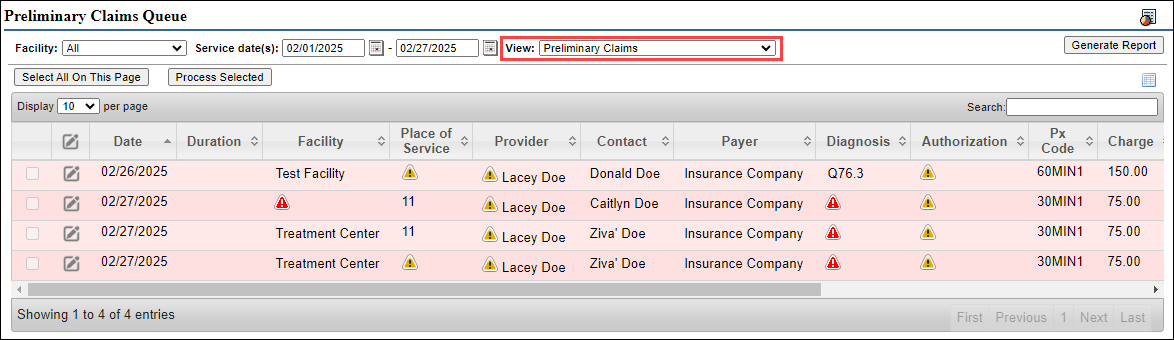
Preliminary Claims
Displays entries for clients that have a payer at the time service.
Duplicate Service Review
If the client has the same service recorded more than once on the same date, this will display in this report.