This article provides instructions for Independent Billing Service companies to add and manage Billing Service users within their BestNotes account, leveraging a secure, HIPAA-compliant two-part authentication mechanism.
Permissions Required
- Manage Users
Setting Up Independent Billing Service Users
Using BestNotes' Independent Billing Service functionality, Independent Billing Services are able to register with the BestNotes system and use it as a gateway to provide billing services to others using BestNotes. This functionality gives BestNotes customers the option of configuring Independent Billing Services access to their BestNotes account in a restricted and HIPAA-compliant way.
A two-part authentication mechanism is used which combines initial authentication against a shared key defined as a "Billing" user on the endpoint system, and secondary authentication against the Independent Billing Services internal users. All access is logged within the endpoint system, and usage is audited the same as with regular users of the system.
This setup will record the actions of the users, and allow the company to view the usage of the billing user in the "Audit Report."
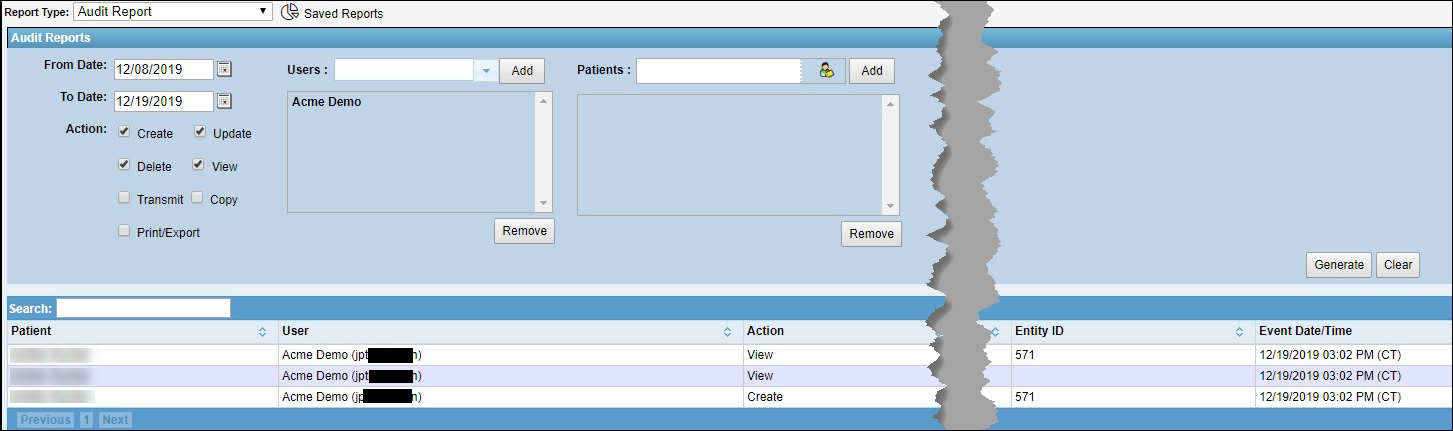
This section is intended for the Independent Billing Services account. This will create the user account for the billing user that will be accessing the company as an independent billing service. To perform this setup, you must already be added to our list of Independent Billing Services, and have the "Manage Users" permission.
Create billing user account
You must also have a user created for the individual that will be logging into the company.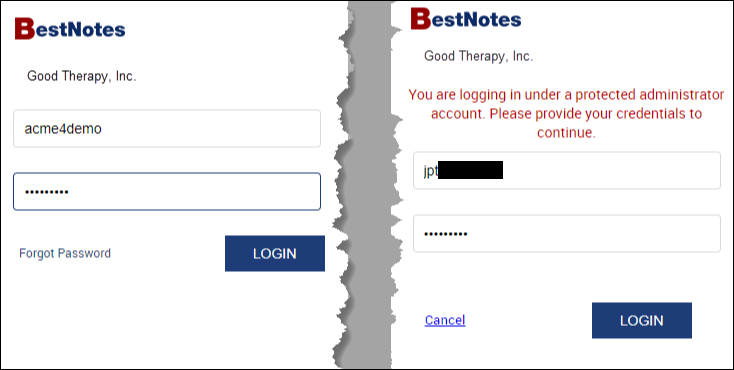
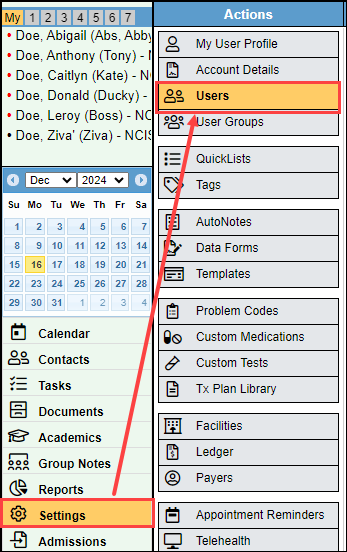
- Navigate to "Settings" then "Users."
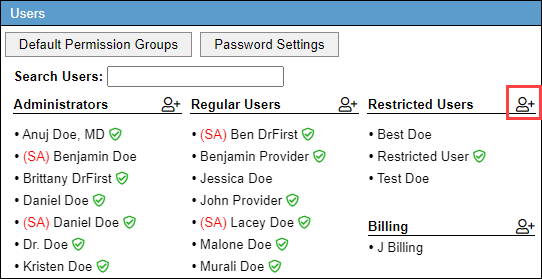
- Select the person with a plus icon next to the "Restricted Users" user type.
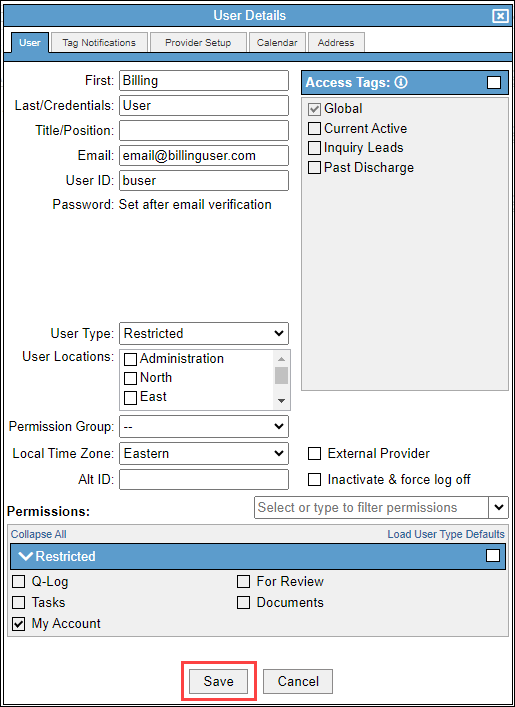
- Enter the biller's name in the "First" and "Last" name fields.
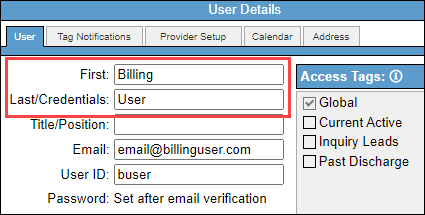
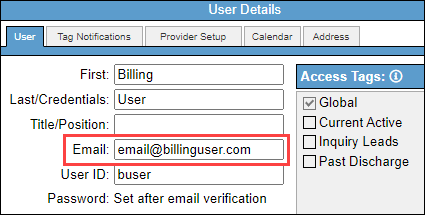
- Enter the biller's email. It is important that this email belong to the billing user because their password setup will be sent to the email listed here.
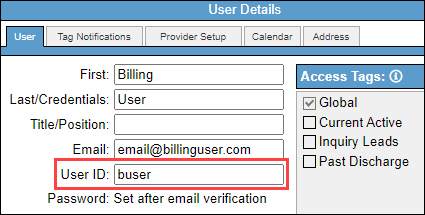
- Enter the "User ID" as something that would be easy for the biller to remember. We recommend first initial and last name.
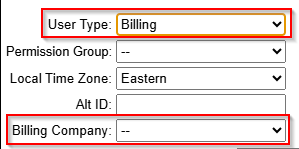
- Verify that the "User Type" drop-down is set to "Billing."
- Choose the individual biller's account from the Billing Company dropdown.
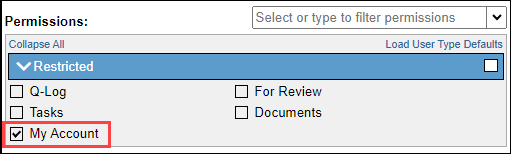
- No permissions are required, but it is recommended to grant the "My Account" permission in case the user ever needs to reset their password.
- Save the user.
Pricing
For information regarding user pricing, please visit https://www.bestnotes.com/pricing.
Next Steps
- See also: Enable Independent Billing Service