The menu provides access to the various sections of the mobile application.
Permissions Required
No specific BestNotes permissions are required.
Navigating the Mobile Menu
- The menu provides access to the various sections of the mobile application.
- The menu can be accessed by tapping the three horizontal lines in the top left corner of the application.
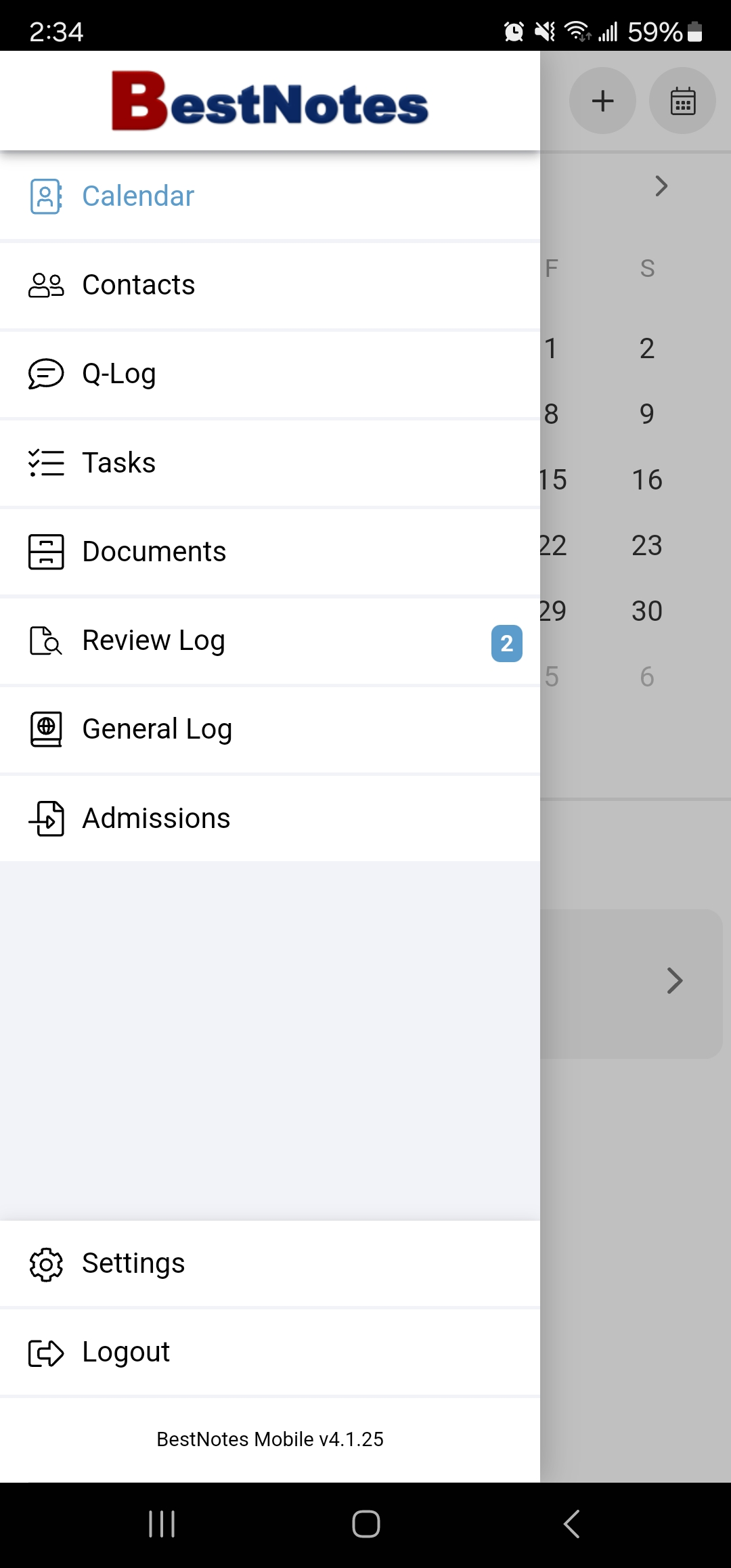
- Once opened, the menu displays the following options:
Menu Item Descriptions
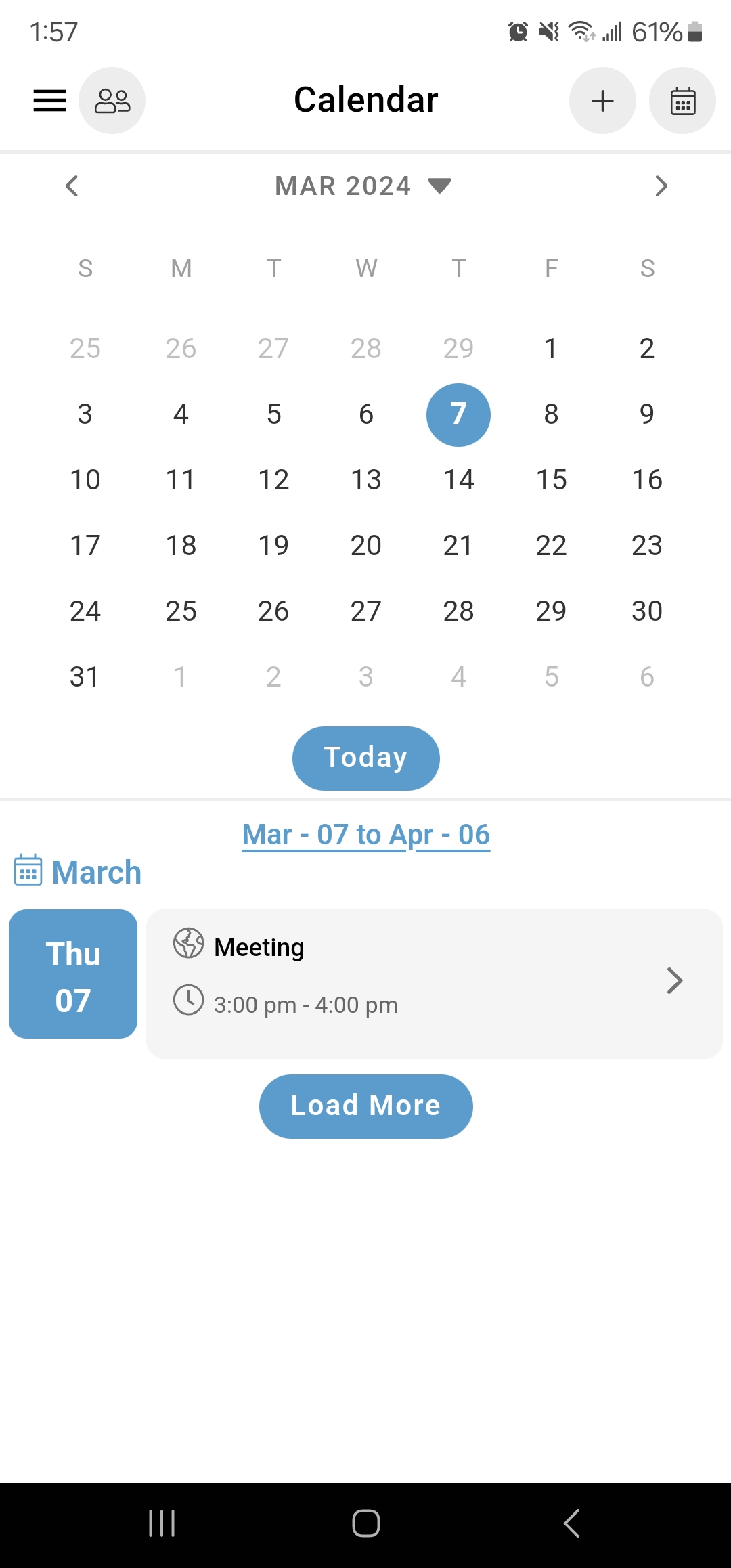
- Calendar - View and schedule appointments.
- Contacts - View contacts in your "My List" (your personal contact list) and search for contacts in your database.
- Tasks - View or assign tasks for yourself or others.
- Documents - View or import documents/files.
- Review Log - View any notes that require your signature.
- General Log - View appointments, notes, or activity.
- Admissions - View client applications.
- Settings - Manage account settings specific to the mobile application.
- Logout - Logs out of the mobile application.