You will start on your contacts page, which will display your “My List”, the different main sections the app supports (top left), and the ability to search your contacts not located on your MyList.
Permissions Required
No specific BestNotes permissions are required.
Navigating Mobile Contacts

- To transition from screen to screen within the contacts profile screen, you can use the different functions at the bottom of your device. You can search for contacts with the search button located in the top right-hand corner of the contact page.
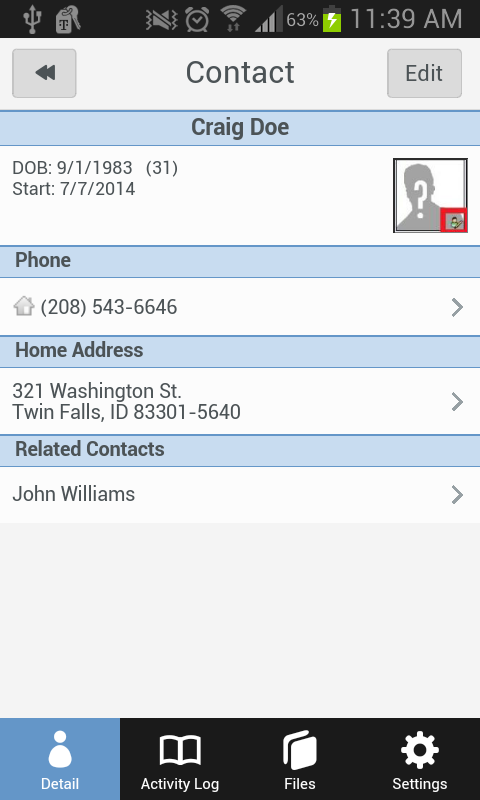
- When on a client's page, you can see their demographic information, as well as navigate between the client's detail page and the activity log located at the bottom of the screen. You can always return to the home screen, using the Home button.
- To edit the client's page use the icon in the upper right-hand corner.
Adding a Client's Picture
- Click on the silhouette with a question mark.
- Hold device horizontal and take picture less than 2 feet away.
- Verify picture does not save to device.
Next Steps
- See also: Add a Profile Picture